For classes and meetings:
multilingual captions, translation
and summaries.
Speech becomes text. Languages feel closer.
Live captions, multilingual translation and AI summaries for classes and meetings.
Every great idea begins with a question.
每一个好想法,都始于一个问题。
Toute grande idée commence par une question.
Toda gran idea comienza con una pregunta.
Choose your language.
Stay in the same conversation.
Chinese, English, French and Spanish.
Show up to four languages at once,
and follow the speaker in familiar words.
Every great idea begins
with a question.
Every great idea begins with a question.
每一个好想法,都始于一个问题。
Toute grande idée commence par une question.
Toda gran idea comienza con una pregunta.
Your presentation takes the lead.
Captions fit right in.
On Mac, float captions above your presentation.
Keep understanding moving with the content.
The talk ends.
Good ideas stay.
Transcripts save automatically so you can revisit the full content.
Use an AI summary to organize the key points.
Start with a good question.
Good ideas begin with questions. Stay curious, ask why and make room for new discoveries.
Asking is the starting point for exploring new ideas.
Ask another “why” and take your thinking further.
Understanding happens whenever we gather.
Bring knowledge closer in a familiar language.
Readable speech for multilingual learners and deaf or hard-of-hearing learners who need captions. Speakers keep sharing while participants follow the text.
Illustrated use caseBefore you start,
you may want to know.
Which languages are supported?
Chinese, English, French and Spanish, in different combinations with up to four languages displayed at once.
Does it work without internet?
Speech recognition and translation run offline on the device. AI summaries require an internet connection.
Can I use floating captions on my phone?
Floating captions are a Mac feature. iPhone and iPad support in-app caption reading and content review.
Can I save what was said?
Transcripts can save automatically for later review. AI summaries help organize key points; verify important content against the original record.
Make room for
every language to take part.
Explore captions againOne talk, more people able to follow.APP DOWNLOAD
Download Translatable and get started.
Tap download on your device, or scan the QR code with your phone camera.
- Don't have TestFlight? Follow the invitation page to install it first.
- Return to the invitation page, accept the invitation and install Translatable.
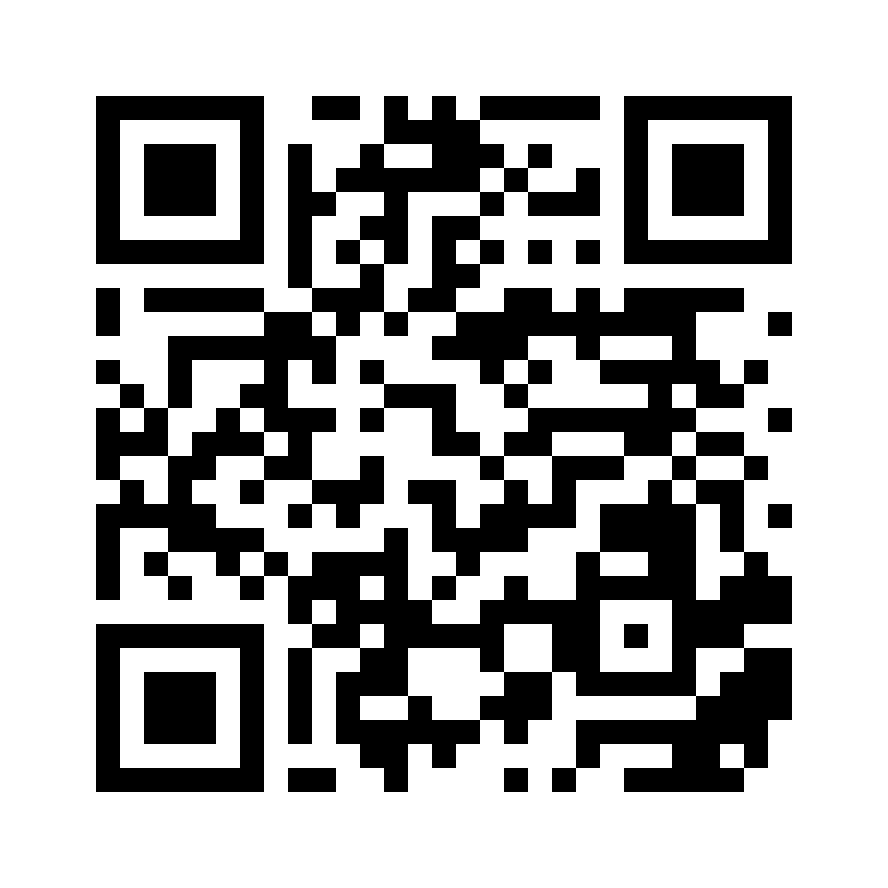 Scan to download Translatable