 Doable AI Lab
Follow a familiar route again.
Ask a friend to record a regular route with references at key waypoints. Get reminders when you follow it again. Routes sync with your account.
 Pathable 3Pathable 3
Built together with blind people.
An iPhone app designed for blind and low-vision users.
Continuously describes your surroundings, turning visual information from everyday scenes into spoken descriptions you can understand.
iPhone · Install via TestFlight

There is a café ahead on your right,
with one step at the entrance.
As you walk, Pathable continuously describes what is underfoot, what is ahead, and nearby landmarks. On compatible iPhones with LiDAR, spoken distances and tones that become more urgent as you approach add another layer of awareness.

Hear directions. Stay aware of the ground.
Destination navigation and familiar-route reminders
can work alongside descriptions of the scene ahead.
Ask a friend to record a regular route with references at key waypoints. Get reminders when you follow it again. Routes sync with your account.
Walking navigation provides advance turn notices and off-route alerts, alongside continuous descriptions of what is ahead.
Pedestrian-signal mode announces the light color. You must still assess actual traffic conditions and decide when to cross.
Navigation and scene awareness provide assistance only. Use them with a white cane, pay attention to actual road conditions, and make your own decisions about crossing.
Finding shops, shopping, reading—one practical task at a time.
The following accounts summarize user feedback; they are not verbatim quotations.

Finding a shop entrance
Say what you are looking for and move the camera. Pathable helps you look for signs and entrances.
After following prompts to scan the surroundings and turn the camera right, the Luckin Coffee sign was identified and the door into the shop was located.
Taotao · User experience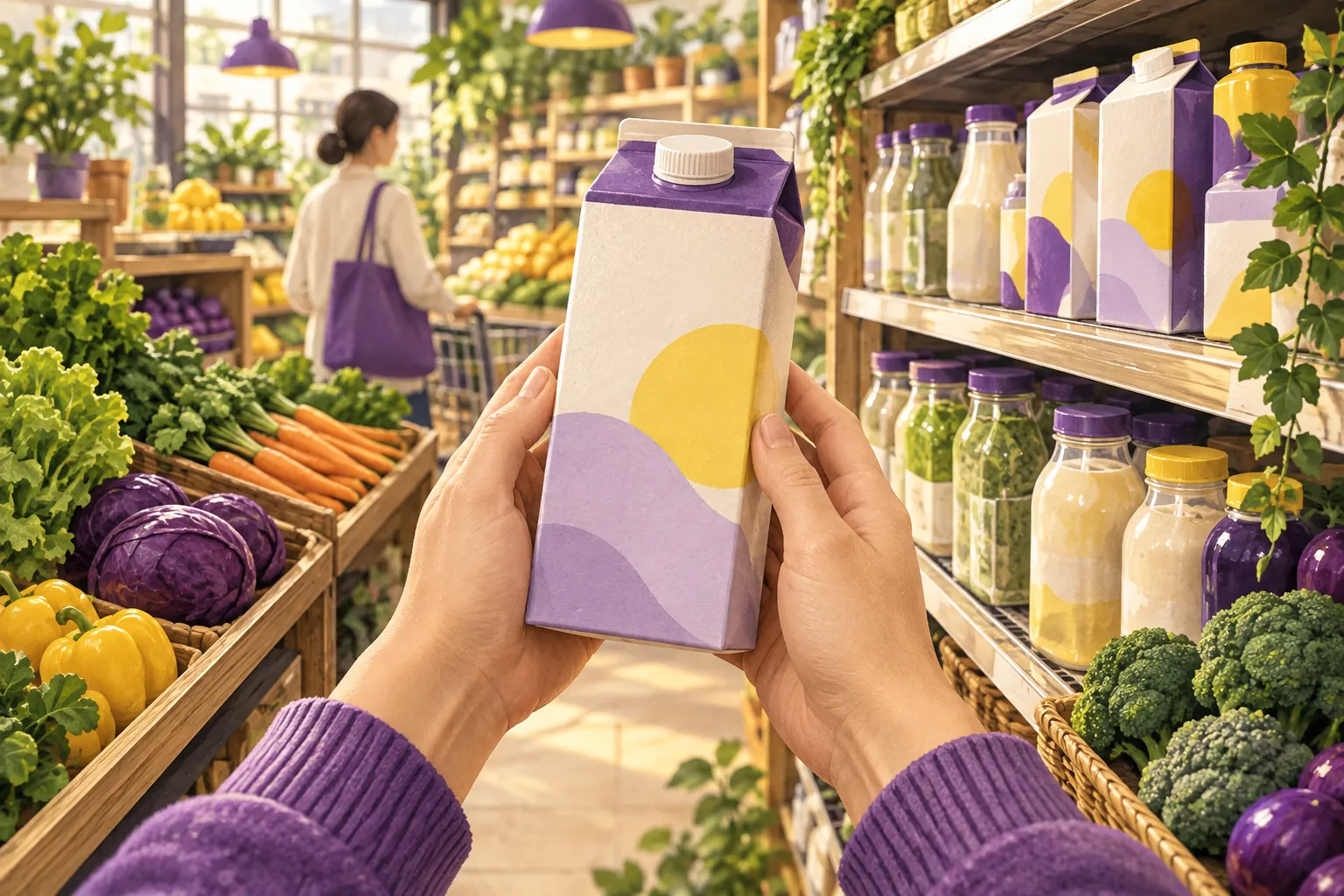
Grocery shopping
Hear descriptions of products and price tags, or ask questions about the items in front of you.
After installing Pathable on a roommate’s borrowed iPhone, Miao walked from campus to the supermarket across the street and completed the shopping, finding the experience smooth throughout.
Miao Jianhui · User experience
Opening a book
Read a whole page aloud and continue after turning it. Repeat, select a passage, or request a summary when needed.
While reading, a page can be summarized into key points that are easy to follow by listening.
Taotao · User experienceIndividual test experiences vary with the environment. Other everyday settings include home, films and TV, and travel.
Built together with blind people.
Tell us which descriptions helped and what was still unclear. Together, we can improve Pathable through the discoveries and shortcomings of real use.
For iPhone with iOS 17 or later. Distance and obstacle alerts require a compatible model equipped with LiDAR.
 Scan with your iPhone camera
On iPhone, tap the download button directly.
Pathable provides assistance, not a replacement for a white cane or your own judgment.