
FirstFIRST
✳Every way of expressing deserves to be heard
Advanced technology to
support autistic children.
From saying “I want” to understanding “what’s next”.
Starable supports autistic children and their families,
starting with everyday little things.
Free to useNo adsAt your child’s pace
Small steps are growth, too.Explore below
01 — Express a little wishCOMMUNICATION
“I’d like
some water.”
Some wishes
can start with a tap on a picture.
Put everyday needs on visible cards.
Tap to express yourself and help others understand.
Speak · Communication board
Parents can edit the boards,
adding familiar words and photos.
I want to sayTap to express a wish
What would you like to say today?
Tap a card to try expressing yourself.
Interactive illustrationTry picture-based communication · Not the actual app interface
Every “I want” matters.01 / 02
02 — Understand the next stepONE STEP AT A TIME
First, shoes on.
Then, out into the world.
What happens next?
Make each step visible.
Connect two little tasks with “first… then…”.
Start with a familiar sequence and get ready for the next step.
ThenTHEN
Play at the park
Something to look forward to
First–then · ScheduleParents can arrange daily steps so children see a familiar sequence.
Interactive illustration · Try “My shoes are on”03 — From little moments to every daySIX WAYS TO SUPPORT
The right support,
when it is needed.
Every child has their own habits and pace.
Parents enable the modules they need, bringing familiar words,
photos and daily routines onto one iPad.
Give wishes a voice
Tap pictures to communicate needs, using word boards and parent-supplied photo cards.
Make the next step visible
First–then cards and daily schedules show tasks in order, helping children understand what comes next.
A way to express feelings
Choose how you feel, then explore familiar ways to calm down and understand each other.
Get to know new situations ahead of time
Social stories with one sentence per page. Parents can write their own or edit AI-generated drafts.
Watch, then learn at your own pace
Short videos recorded by parents and step-by-step instructions show how to complete a small task.
Break big tasks into small steps
Growth checklists break down daily tasks, with space for self-expression and safety information.
04 — Into everyday lifeGROUNDED IN REAL LIFE
Pilot starting point · Feiye Autism SchoolUnderstanding needs
Understanding needs
starts in the classroom.
Starable’s pilot began at Feiye Autism School.
The team donated iPads to the school,
bringing everyday support tools into real settings.
Pilot records as of 14 September 2026.
The place of a word.
The order of a day.
Each deserves care and attention.
Understanding specific needs is where continued product improvement begins.
05 — Care in the little detailsDESIGNED WITH CARE
Support that
fits everyday life.
From board layouts to data storage,
designed around how children, parents and teachers actually use it.
Everyday words,
in familiar places.
Core word positions stay fixed. Parents configure the content, and the child’s home screen shows only enabled modules.
Prepared content,
ready to use together.
Export and import files to share boards and other content, helping families and teachers use familiar materials.
Your child’s information,
encrypted on the device.
Boards, photos, videos and records stay on the device. AI story drafting needs an internet connection to process descriptions supplied by parents.
06 — Turning ideas into usable toolsPROJECT NOTES · 2026.09
See the needs.
See the progress.
From six kinds of daily support to a school pilot.
A record of the steps Starable has taken so far.
Six modules for daily support
Communication, schedules, feelings, stories, modeling and growth checklists. iPad first, also compatible with iPhone.
Feiye Autism School
The team donated iPads and began a school pilot grounded in everyday and classroom situations.
Submitted for TestFlight review
0.1.0: build 2 under review, build 3 uploaded. This is a historical record, not a claim of an App Store release.
Product and progress information is based on project records dated 14 September 2026. The school pilot is not clinical validation.
07 — About usBUILT BY DOABLEAILAB
Bringing technology
to the people who need it.
Starable is developed by doableailab.
Operated by 小黄袋科技(上海)有限公司.
It is one of the team’s products for daily living, communication and learning.
Our commitment to familiesFree. No ads.
No in-app purchases.
No in-app purchases.
Child mode will not be locked.
Families can start with the modules that fit their needs.
Start with a familiar little task.
Try picture-based communicationStart with the product and its actual progress.
View project progressAPP DOWNLOAD
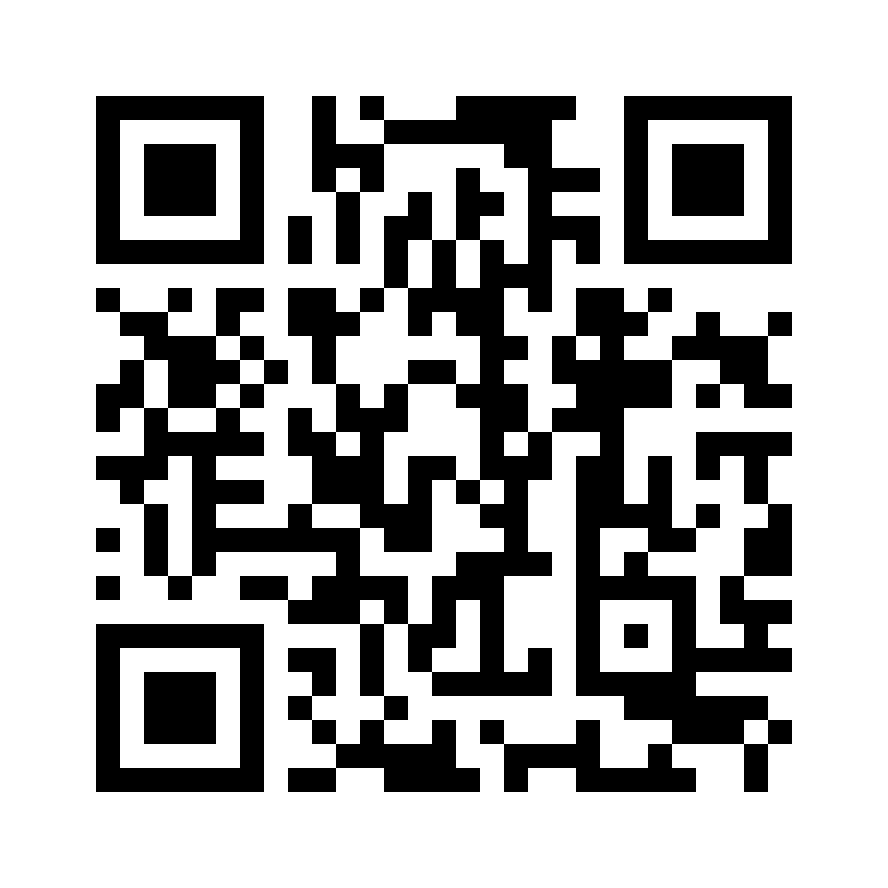
Get Starable and try it.
Tap download on your device, or scan the QR code with your phone’s camera.
- No TestFlight yet? Follow the invitation page to install it first.
- Return to the invitation page, accept the invitation and install Starable.
 Scan to get Starable